Hard cards
Black stock, gold foil, hairline type.
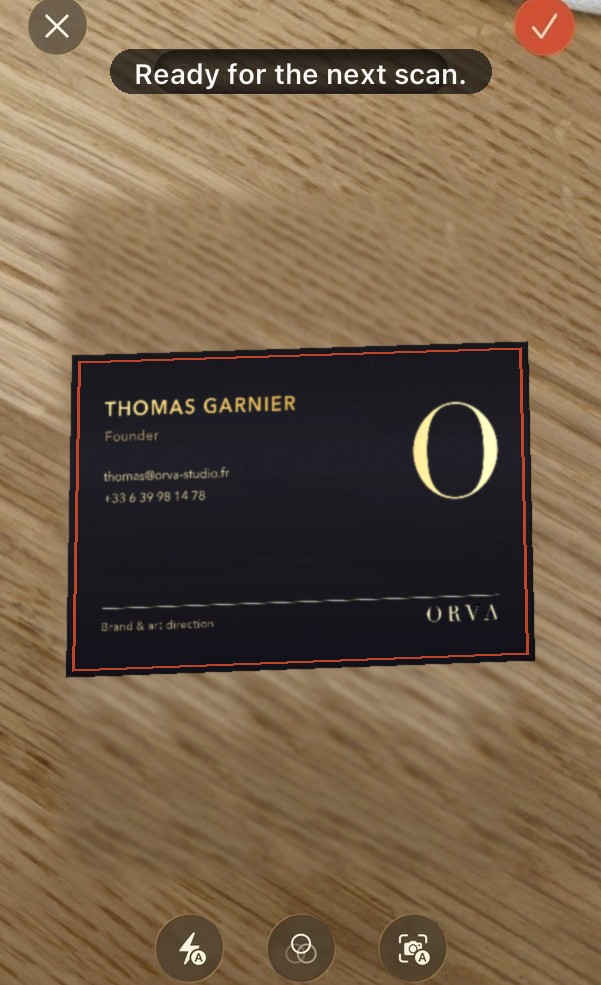
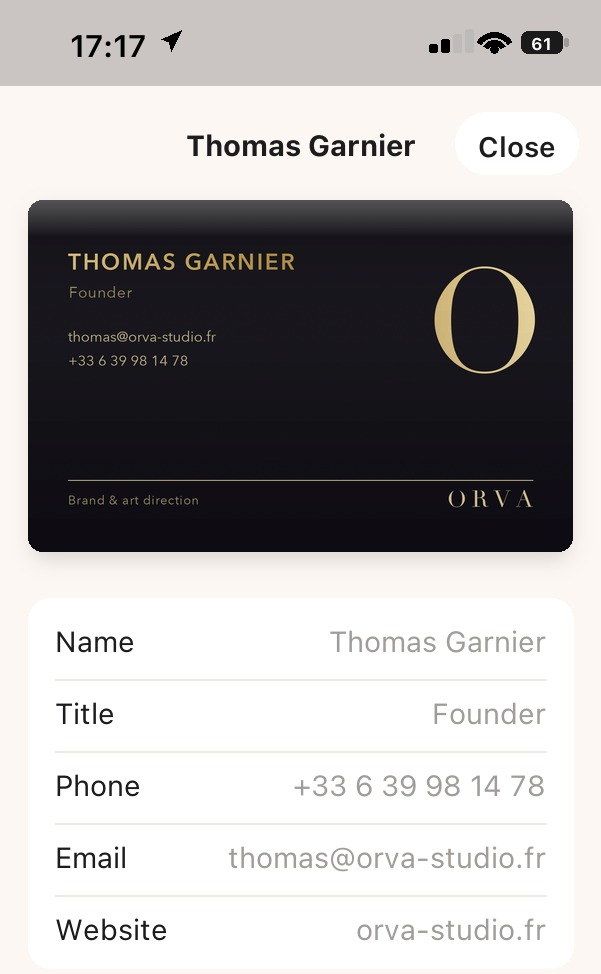
The best-looking cards are the hardest to read. Comlynk lifts them off the wooden table, squares up the frame, and still gets the email, the phone and the website out of the foil.
Free on iPhone · iOS 26
Photograph a card: Comlynk reads the name, job title, phone, email, website and social handles — then keeps the photo of the card with the record.
No account to create
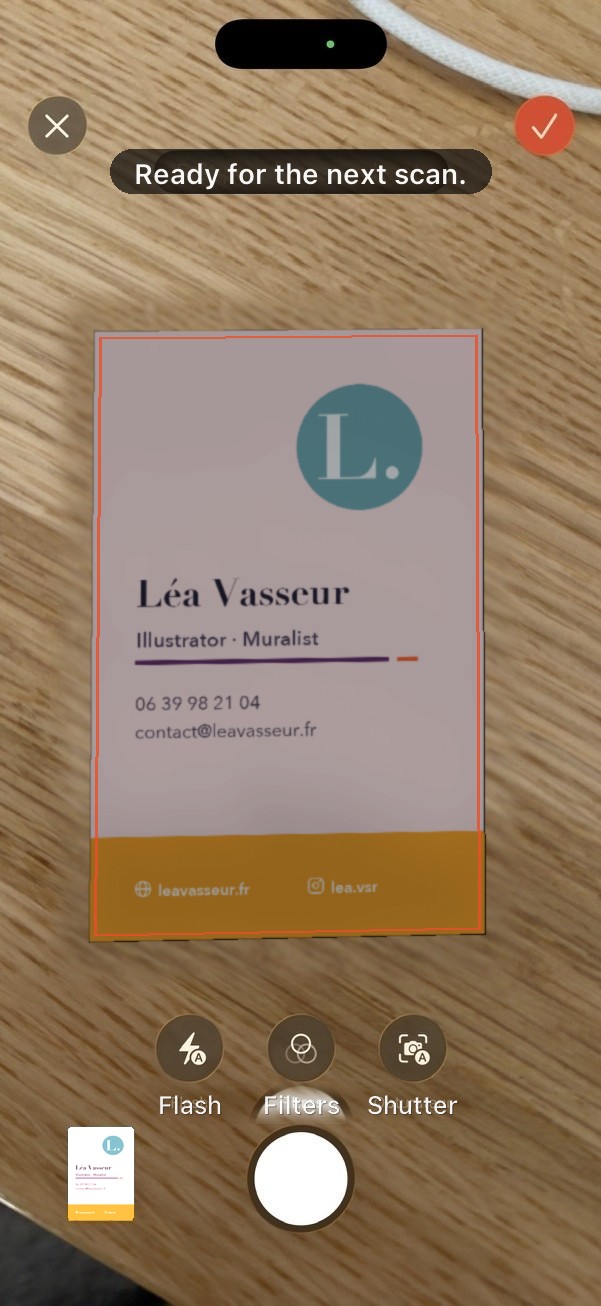
Auto-detect Frames and crops on its own
Back-to-back scans
“Ready for the next scan.”
Flash, filters, shutter
Colour or black and white
Address on the card
Pinned in Maps
Recognised text
One tap away
No dashboard, no tabs to explore. Scan it, check it, find it again.
Scan
The camera button, top right. Comlynk finds the card on the table and straightens it out.

Check the record
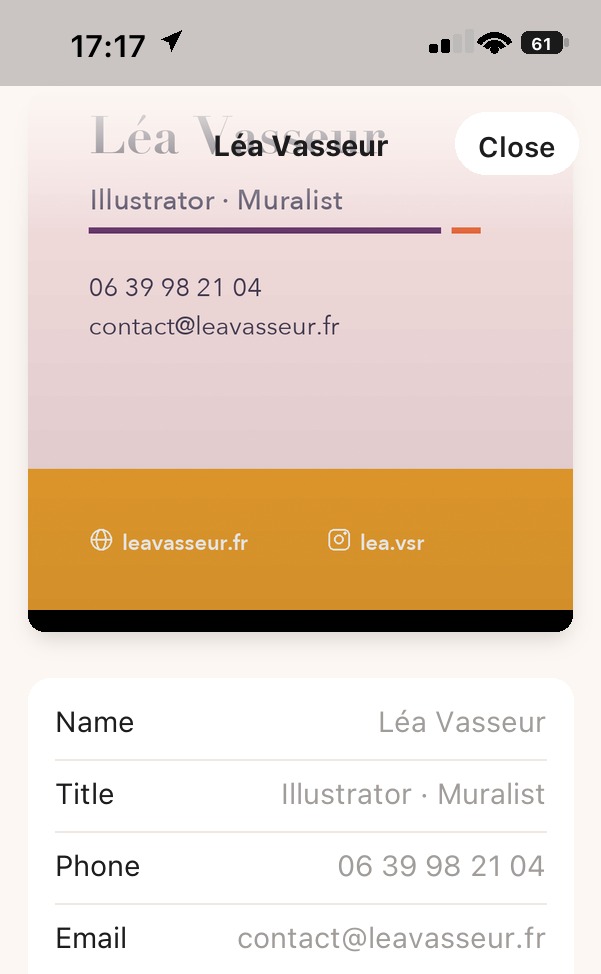
Name, title, phone, email, website, social: every field on its own line, editable.
Find it later
All your cards in one plain list, with name, title and email in the preview.

Hard cards
The best-looking cards are the hardest to read. Comlynk lifts them off the wooden table, squares up the frame, and still gets the email, the phone and the website out of the foil.
Name, title, phone, email, website — plus “Recognised text” at the bottom of the record for whatever else is on the card.
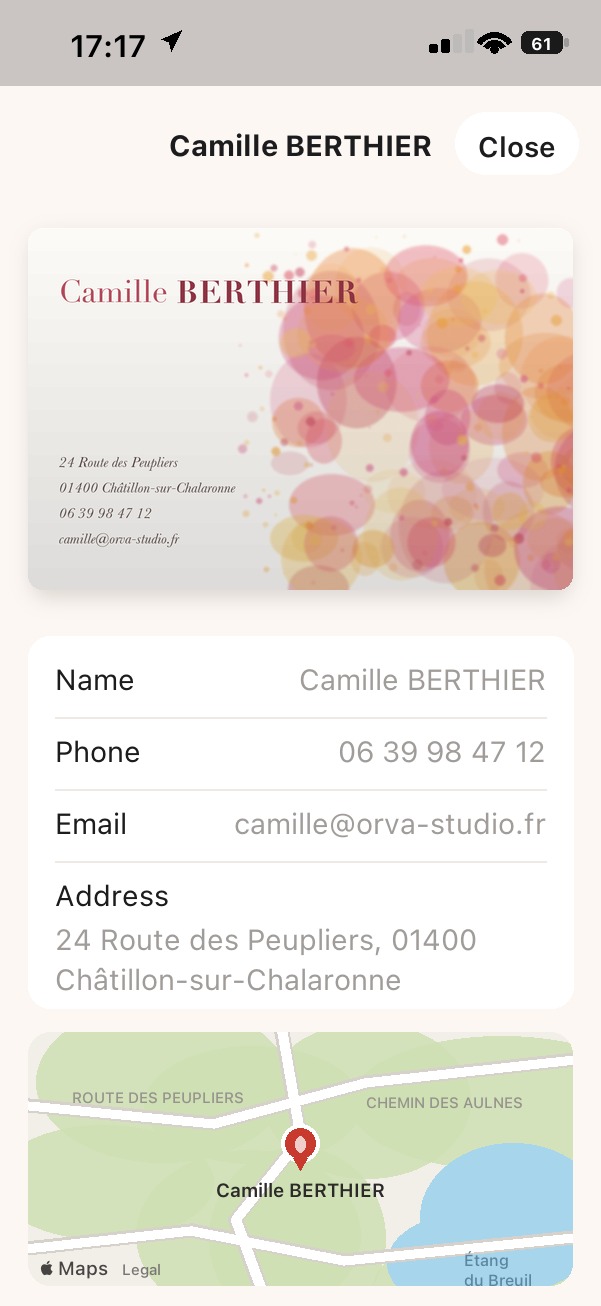
The full record
The photo of the card sits at the top of the record — useful when the logo says more than the name. If the card carries an address, it shows up on a map, ready for directions.
Kept at full quality
Pinned below the record
Everything the app read
A correction, not data entry
Privacy
Text recognition runs on the device. No account, no upload of your cards, no tracking. Delete the app and the data goes with it.